
How to Make Sprite Sheets for GameMaker
Learn the precise workflow for creating and importing sprite sheets into GameMaker Studio 2. Utilize the 'Horizontal' layout feature to export your animation frames as a single, continuous strip for native GameMaker integration.
Drop images here (PNG, JPG, WebP, SVG)
or click to browse
The Perfect Setup for GameMaker Studio 2
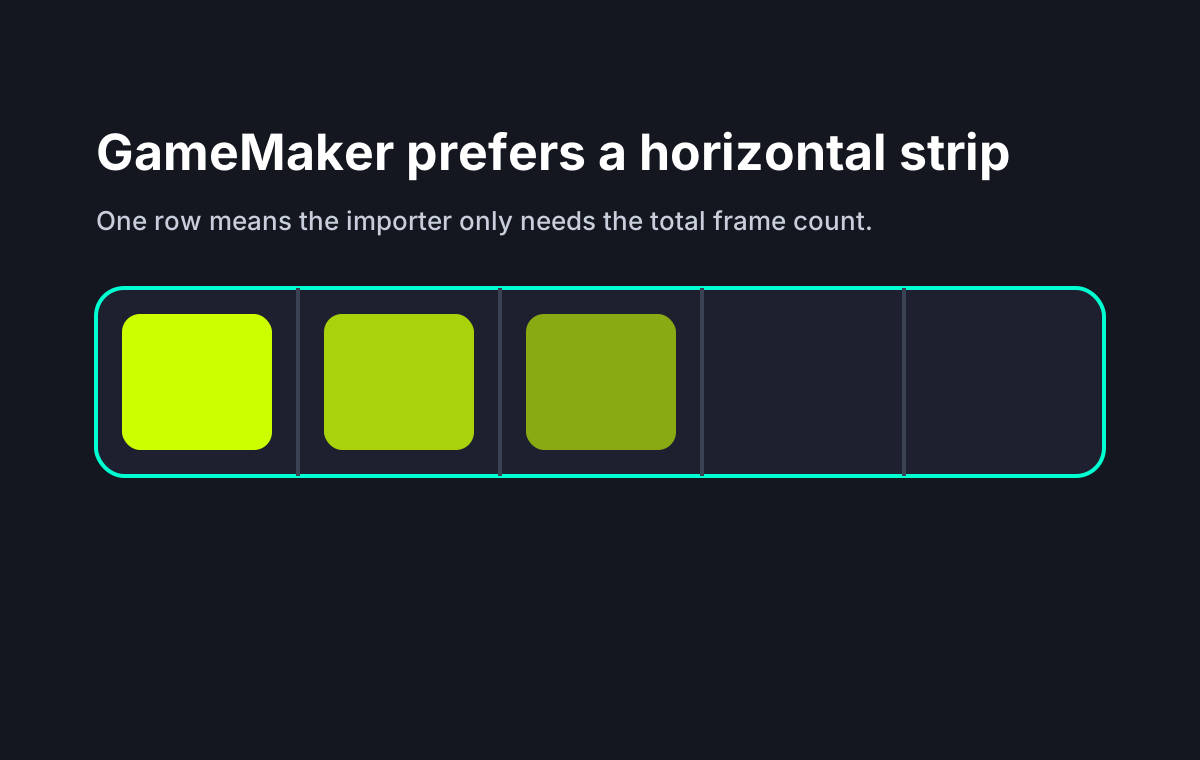
GameMaker handles sprite imports exceptionally well when assets are formatted as horizontal strips. This eliminates the need for complex metadata files and allows the engine's built-in slicing tools to work automatically.
Upload Individual Animation Frames
Begin by dragging and dropping your sequence of PNG or WebP images into the dropzone. Ensure your frames share identical dimensions (e.g., all 64x64 pixels) so the character's bounding box remains consistent during playback.
Select the Horizontal Strip Layout
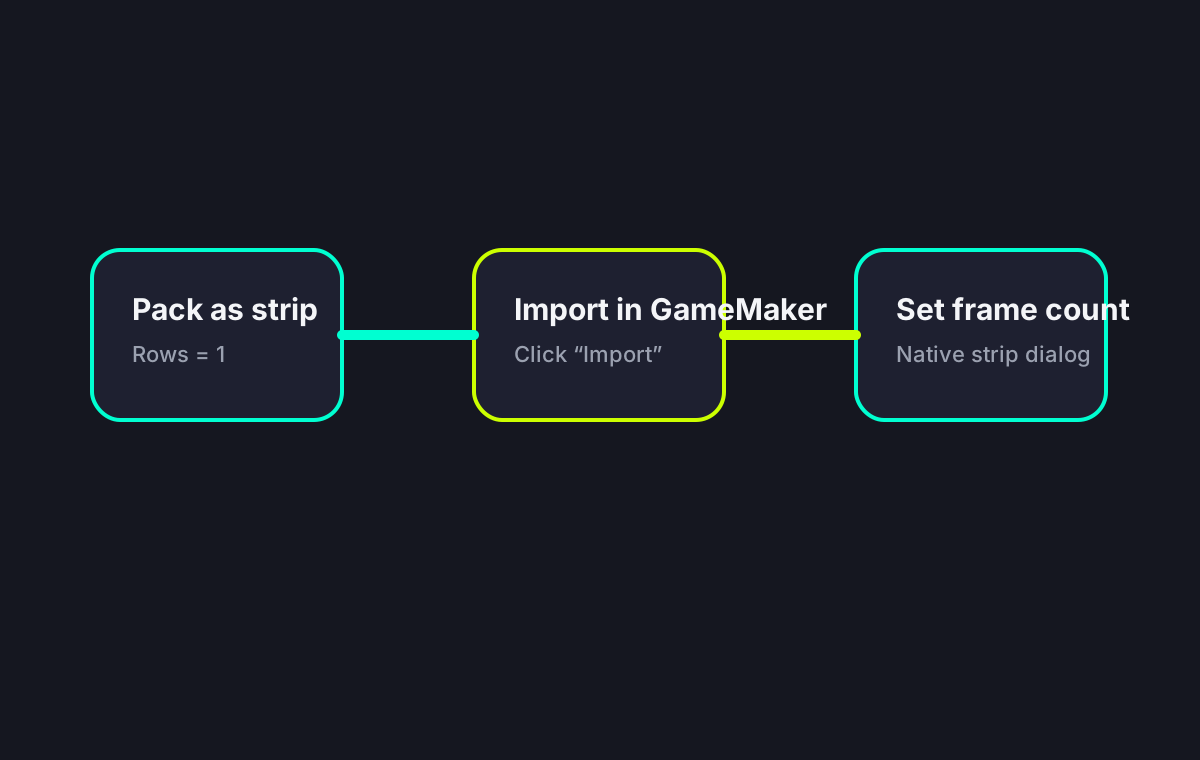
Navigate to the configuration panel and set the Layout mode to 'Horizontal'. This specific arrangement aligns every frame side-by-side on a single row, creating the exact strip format GameMaker Studio 2 expects by default.
Importing the Strip into GameMaker
Open your GameMaker project, navigate to the Asset Browser, right-click 'Sprites', and select 'Create Sprite'. Click 'Import', choose your downloaded strip PNG, and click 'Yes' when GameMaker asks if you want to import it as a sprite strip. Specify the number of frames to complete the process.
Why a Horizontal Strip Works Best
Why Format Sprites Specifically for GameMaker?
Structuring your assets correctly before importing saves hours of manual adjustments inside the engine's Sprite Editor.
GameMaker Import Flow
Core Texture Packing Features
Everything required to prepare your 2D assets for seamless engine integration.
One-Click Layout Switching
Instantly toggle between Grid, Horizontal, and Vertical packing algorithms without reloading your source files.
Uniform Frame Sizing
Automatically calculate the maximum width and height among uploaded images and pad smaller frames to match, ensuring perfect alignment.
Real-Time Animation Playback
Test your walk cycles and attack animations directly in the browser with adjustable FPS controls before downloading the final asset.
Specs & Limitations
Hard facts, not marketing claims.
GameMaker Sprite Sheet FAQ
Start Packing Your GameMaker Assets
Upload your raw frames and generate perfect horizontal strips instantly.