
RPG Maker Sprite Sheet Maker
Easily assemble individual frames into the strict 3x4 grid layout required by RPG Maker. Perfect for creating custom character sprite sheets for RPG Maker MV, MZ, and VX Ace directly in your browser.
Drop images here (PNG, JPG, WebP, SVG)
or click to browse
How to Create an RPG Maker Sprite Sheet
Follow these simple steps using our Grid Layout to align your character frames perfectly for the engine.
Upload Character Frames
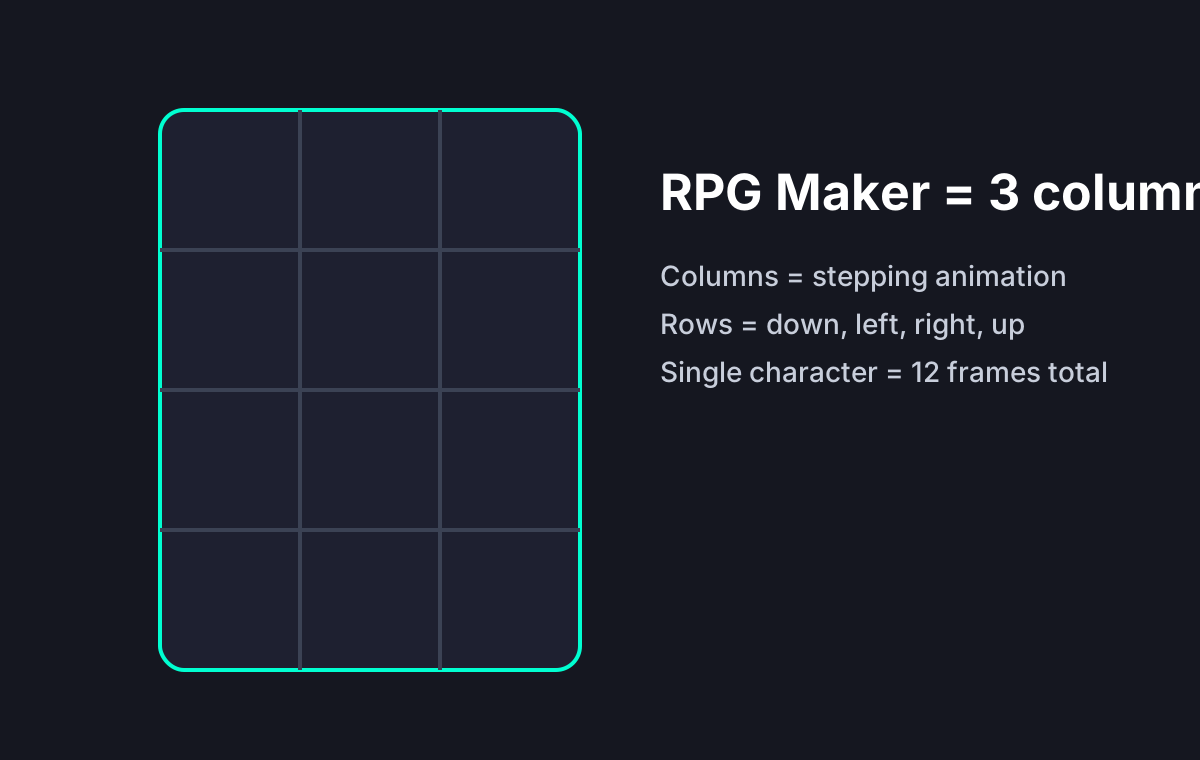
Upload your 12 individual animation frames. For standard RPG Maker sprites, you need 3 columns (stepping animation) and 4 rows (facing down, left, right, up).
Select Grid Layout
Switch our tool to 'Grid' mode. Set the columns to 3. The generator will automatically arrange your frames into the proper 3x4 character block.
Export Your RPG Maker MV Sprite Sheet
Verify your character animations flow correctly. Click export to download the final PNG image, ready to be dropped straight into your project folder.
The Required 3×4 Character Grid
Why Use Our Tool for RPG Maker?
Tailored for indie game developers creating RPG Maker MV and MZ games.
Perfect 3x4 Grid Alignment
RPG Maker requires character sprites to be formatted in a strict 3 columns by 4 rows grid. Our grid layout feature handles this automatically.
Supports RPG Maker MV & MZ
Whether you are creating an RPG Maker MV sprite sheet or moving to MZ, export high-quality PNGs with transparent backgrounds instantly.
Fast and Browser-Based
No need to download heavy image editing software. Build your RPG Maker character sprite sheets entirely in your web browser.
Frequently Asked Questions
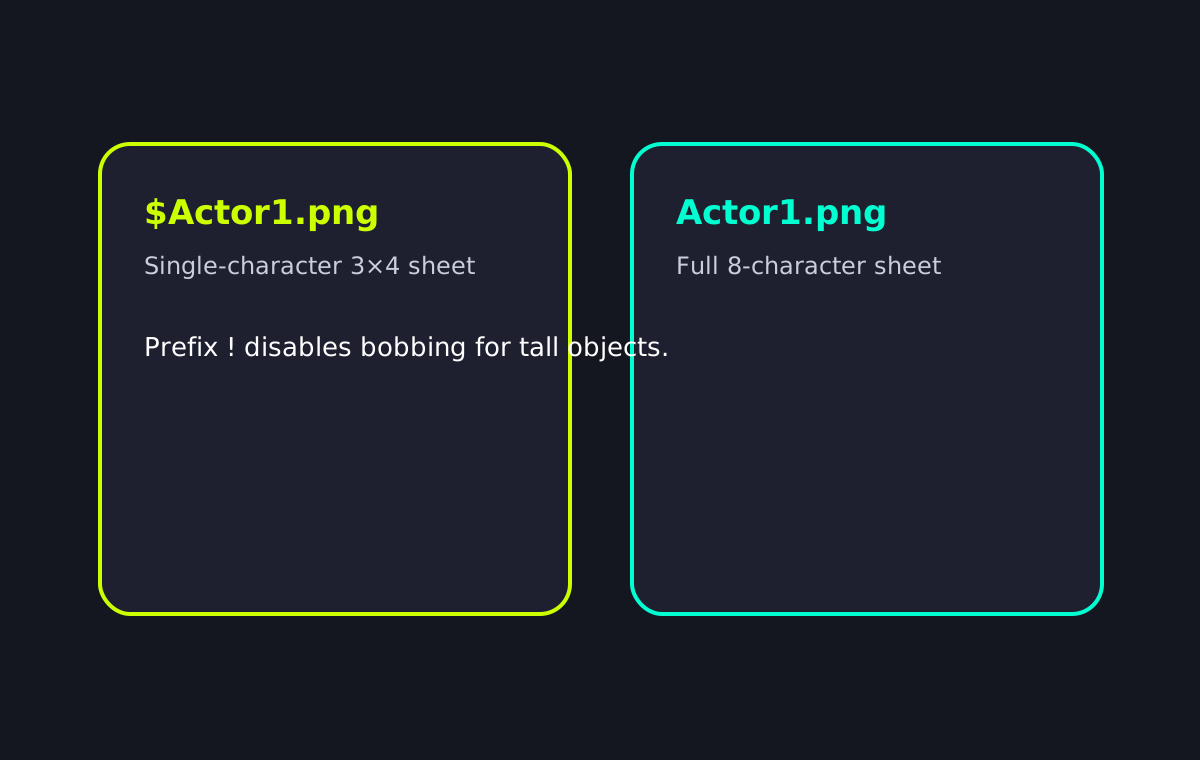
Filename Rules Matter in RPG Maker
Specs & Limitations
Hard facts, not marketing claims.
Build Your RPG Maker Sprite Sheet Now
Upload your frames and let our Grid Layout feature handle the complex alignment for you.